
 Join our Discord
![WLS - Target [VORP]](https://dunb17ur4ymx4.cloudfront.net/packages/images/18f48d53dcdcd90a1e605b464991f76d92fd9b45.jpg)
WLS Target
Interaction menu for RedM, by West Life Studios.
Hold the key, look at a horse, a door, a person or a place, and choose what to do. It is light, easy to set up and fits the look of the game.
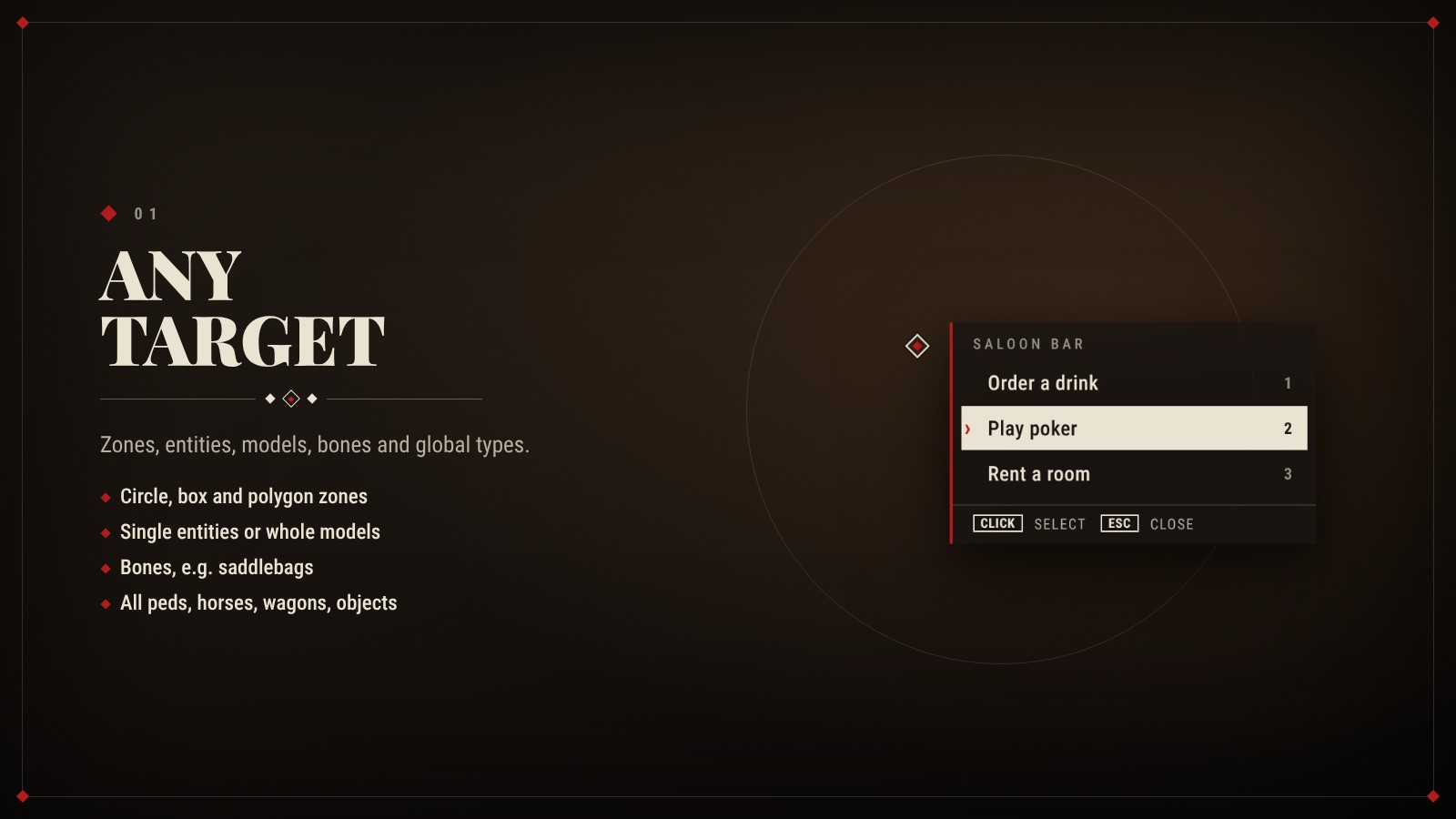
Any target
- Zones: circle, rotated box and polygon, with height limits.
- Entities and models: single entities or every object of a model.
- Bones: for example a horse's saddlebags.
- Global options: for all peds, players, horses, animals, wagons or objects.
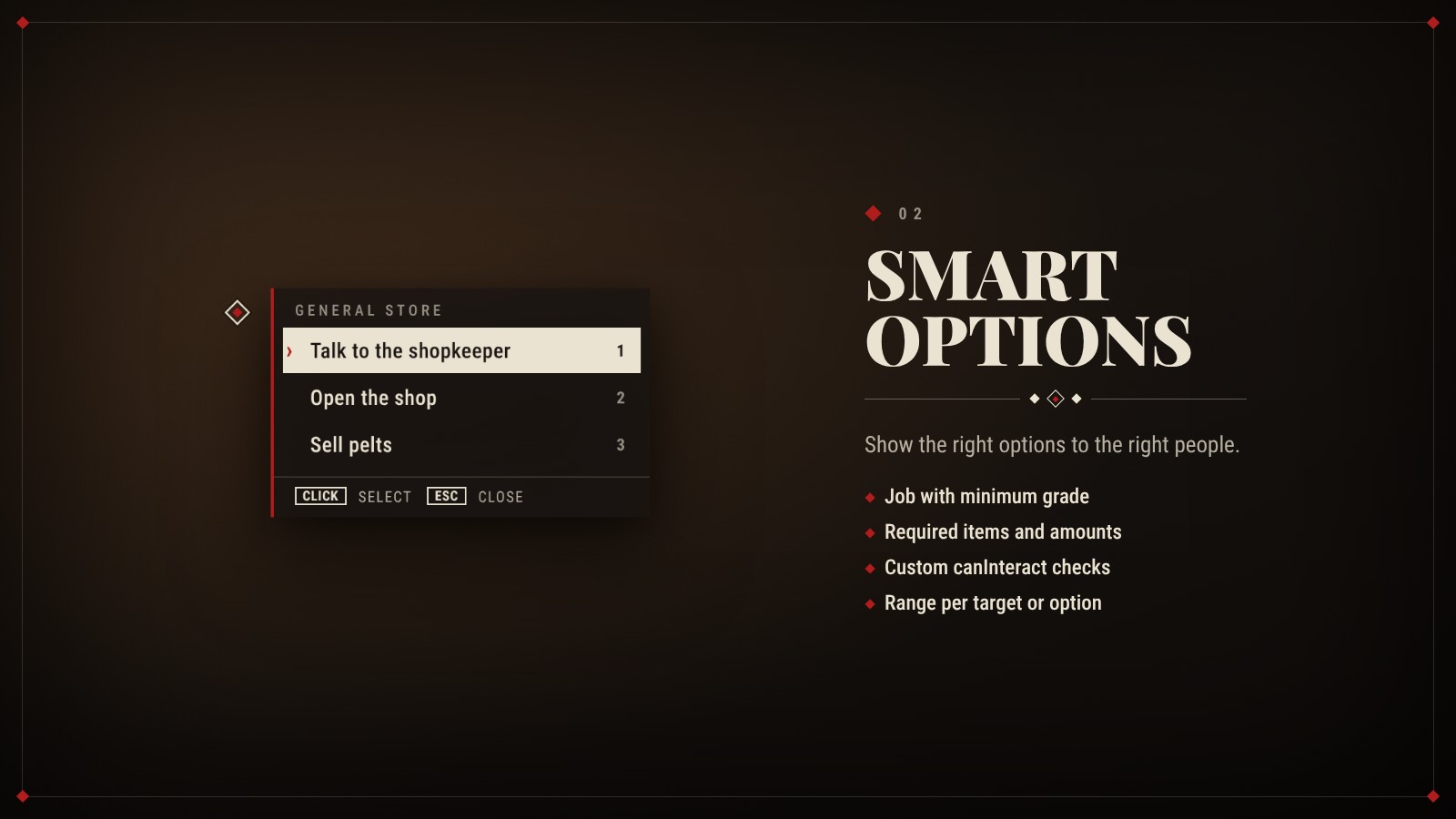
Smart options
- Actions: client events, server events, commands or Lua functions.
- Filters: job with minimum grade, required items and amounts, and custom checks.
- Range: set per target or per option.
- Context: the event receives the entity, coordinates, distance and zone.
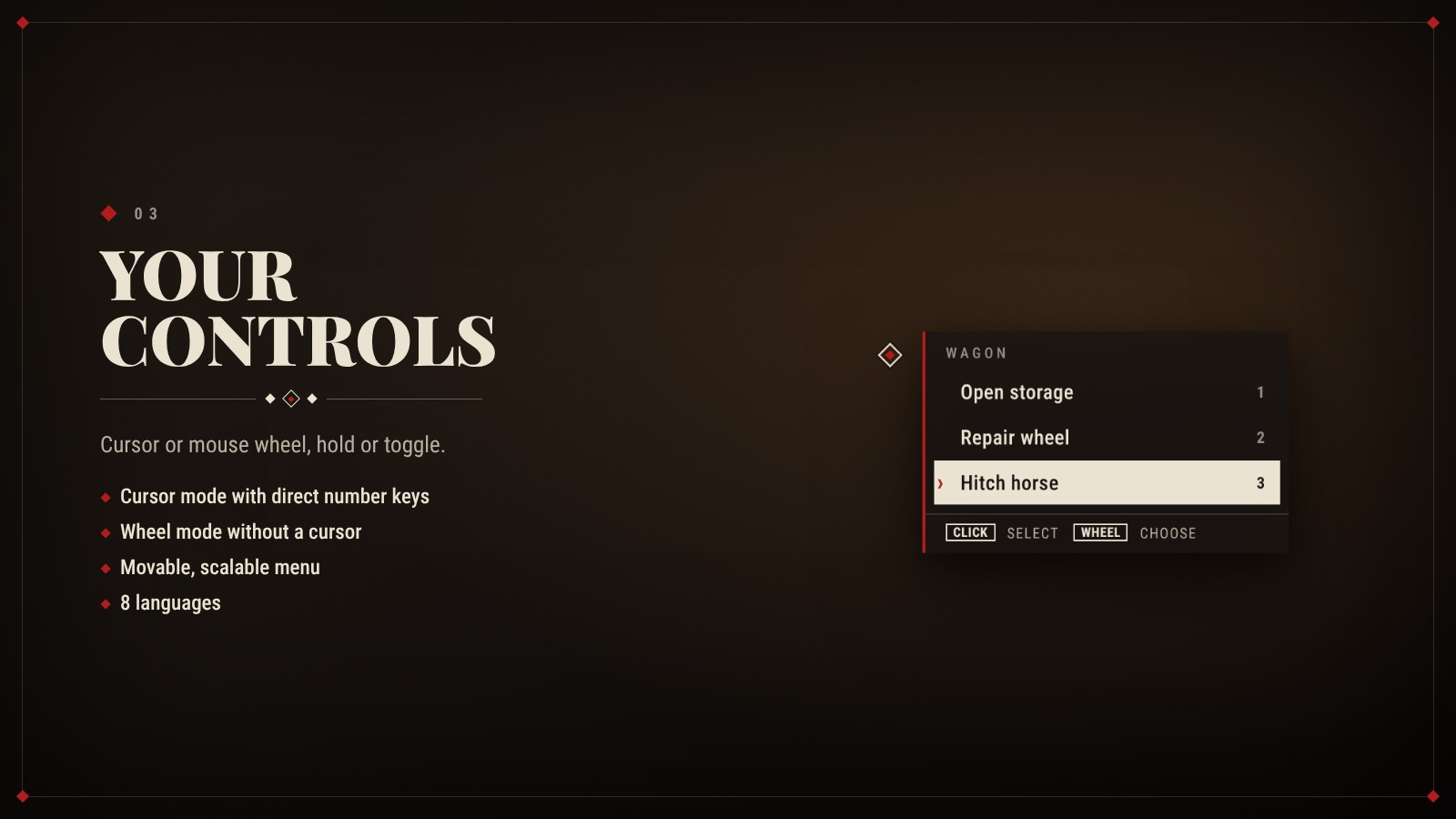
Controls
- Cursor mode: number keys 1-9 pick an option directly.
- Wheel mode: scroll to pick, no cursor needed.
- Key: hold it or toggle it.
- Menu: can be moved and scaled per player.
- Languages: English, German, French, Spanish, Italian, Portuguese (BR), Polish, Dutch.
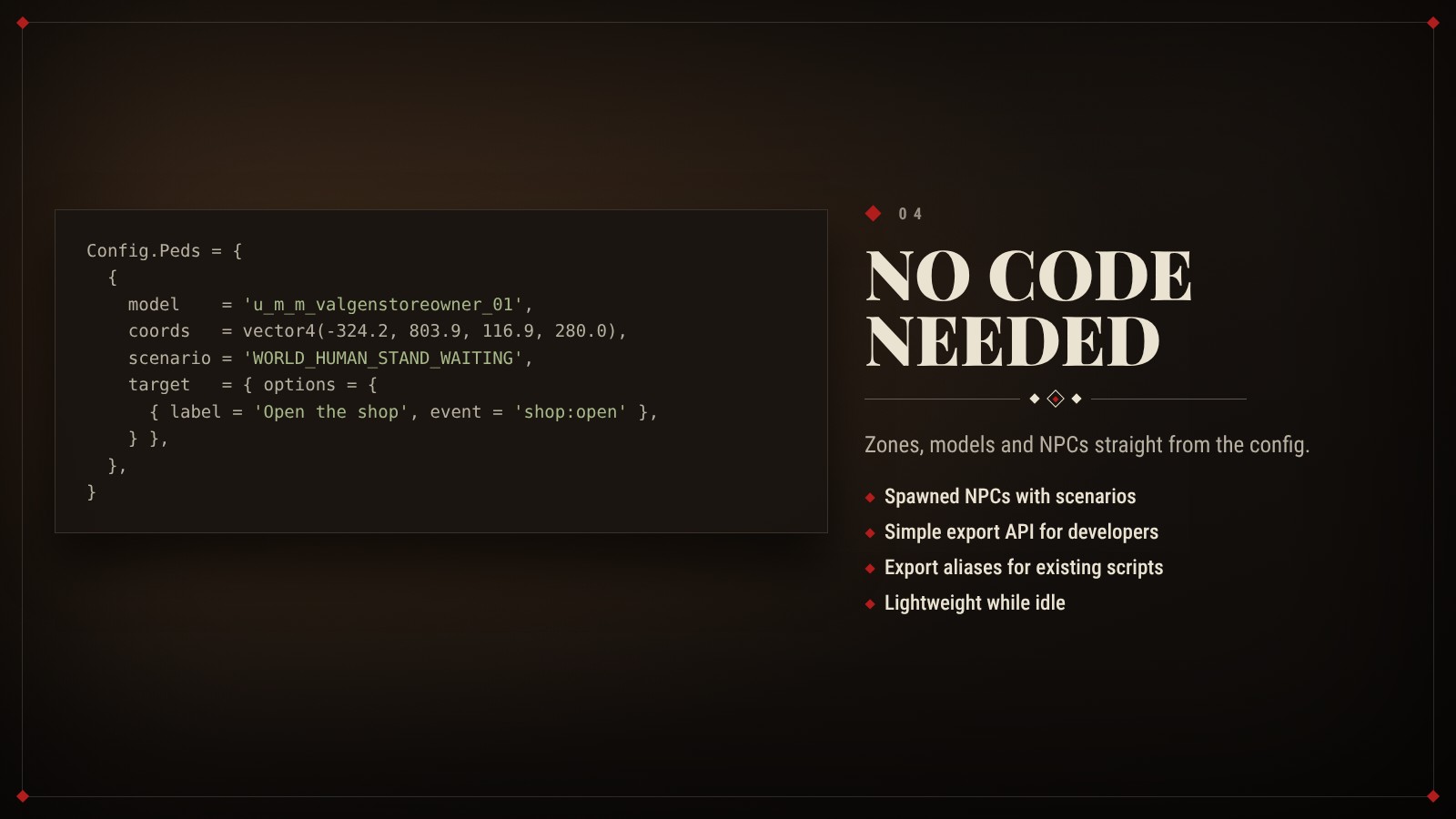
No code needed
- Config only: zones, models and NPCs can be set up straight in the config.
- NPCs: spawned with a scenario, frozen, invincible, each with their own options.
- For developers: a simple export API in the common target style.
- Export aliases: scripts written for another interaction resource keep working.
- Performance: lightweight while idle.
Requirements
- vorp_core
- vorp_inventory
Good to know
- Asset Escrow: the resource is protected by Cfx.re Asset Escrow. After purchase it shows up in your Cfx.re Portal under Granted Assets.
- Open files: config and language files.
- Documentation: installation guide and README with all exports are included.
- Support: available on our Discord.
West Life Studios