
![WLS - Shops [VORP]](https://dunb17ur4ymx4.cloudfront.net/packages/images/4cb15882e4397d8abf5a7d0d25ce5f44e5f6aff4.jpg)
WLS Shops
Shop system for RedM servers running VORP, by West Life Studios.
General stores and player shops are created and run in game through one menu. Every price, every piece of stock and every payment is checked by the server. Nothing gets duplicated.
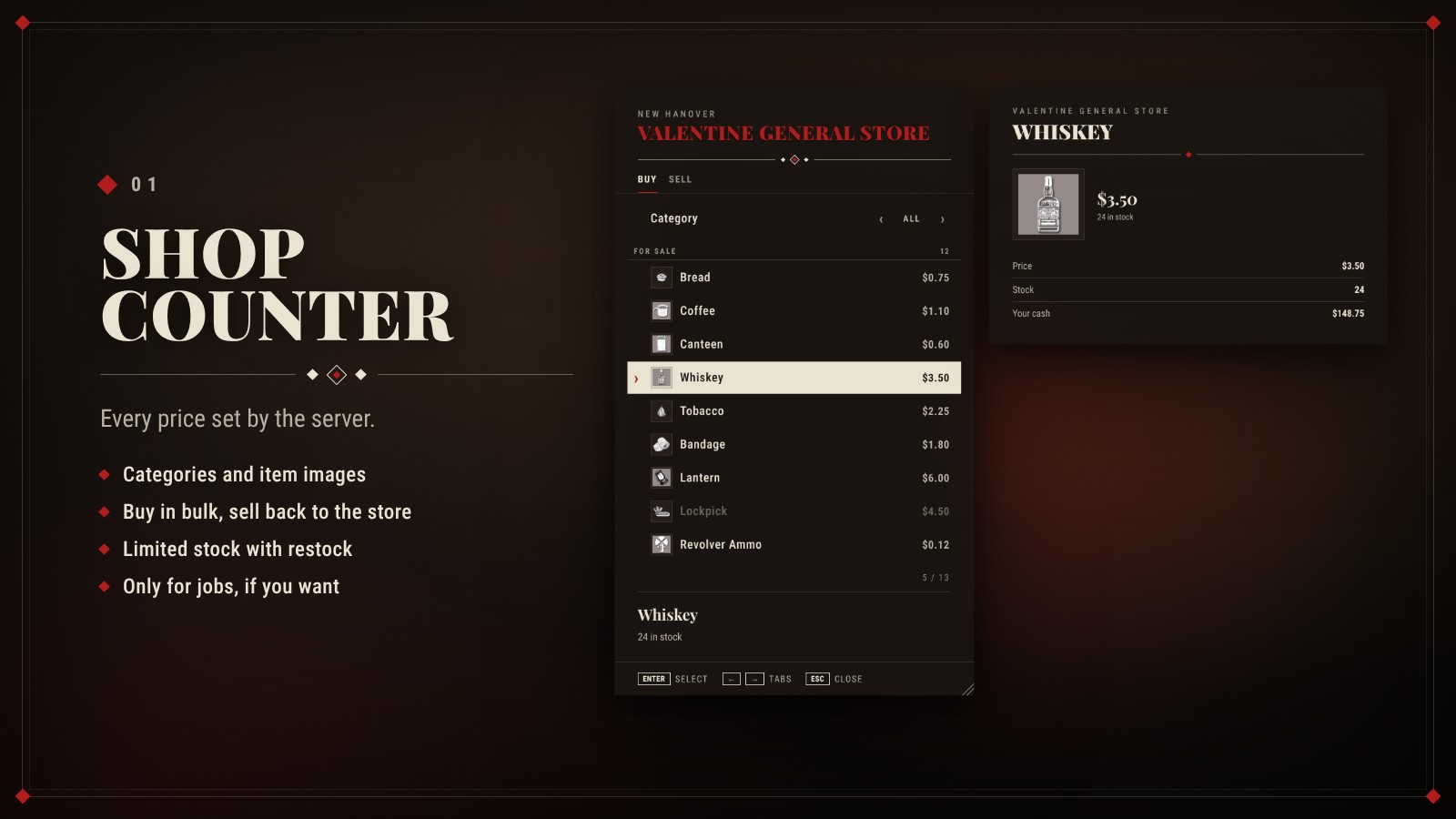
Shop counter
- Categories: goods sorted by category, with item images from vorp_inventory.
- Prices from the server: the client never sends a price. Multipliers and tax are applied on the server.
- Selling back: stores can buy items from players, e.g. pelts or gold nuggets.
- Stock: unlimited goods, or limited stock with a maximum and automatic restock.
- Jobs: a shop can be limited to certain jobs, e.g. a gunsmith only for the sheriff.
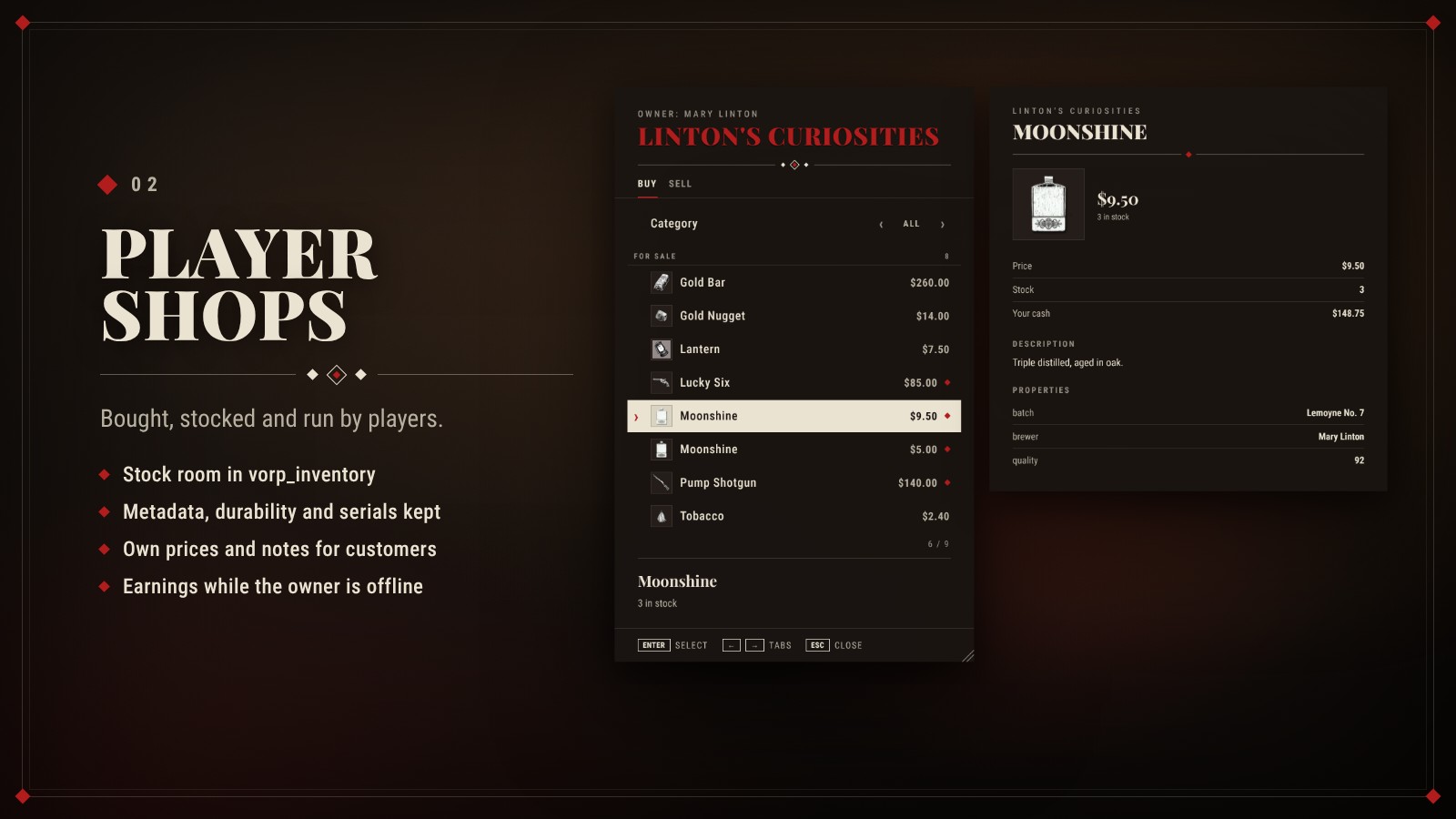
Player shops
- Bought in game: admins place shops for sale, players buy them at the spot. Optional licence item and job list.
- Stock room: a vorp_inventory storage that only the server opens. Owners and staff fill it as usual.
- Metadata kept: quality, durability, custom labels, descriptions and images stay exactly as they are. Weapons keep serial number, label and components.
- Own prices: the owner sets a price and a note per item group. Items without a price stay in the stock room.
- Offline earnings: customers pay into the shop account, also while the owner is away.
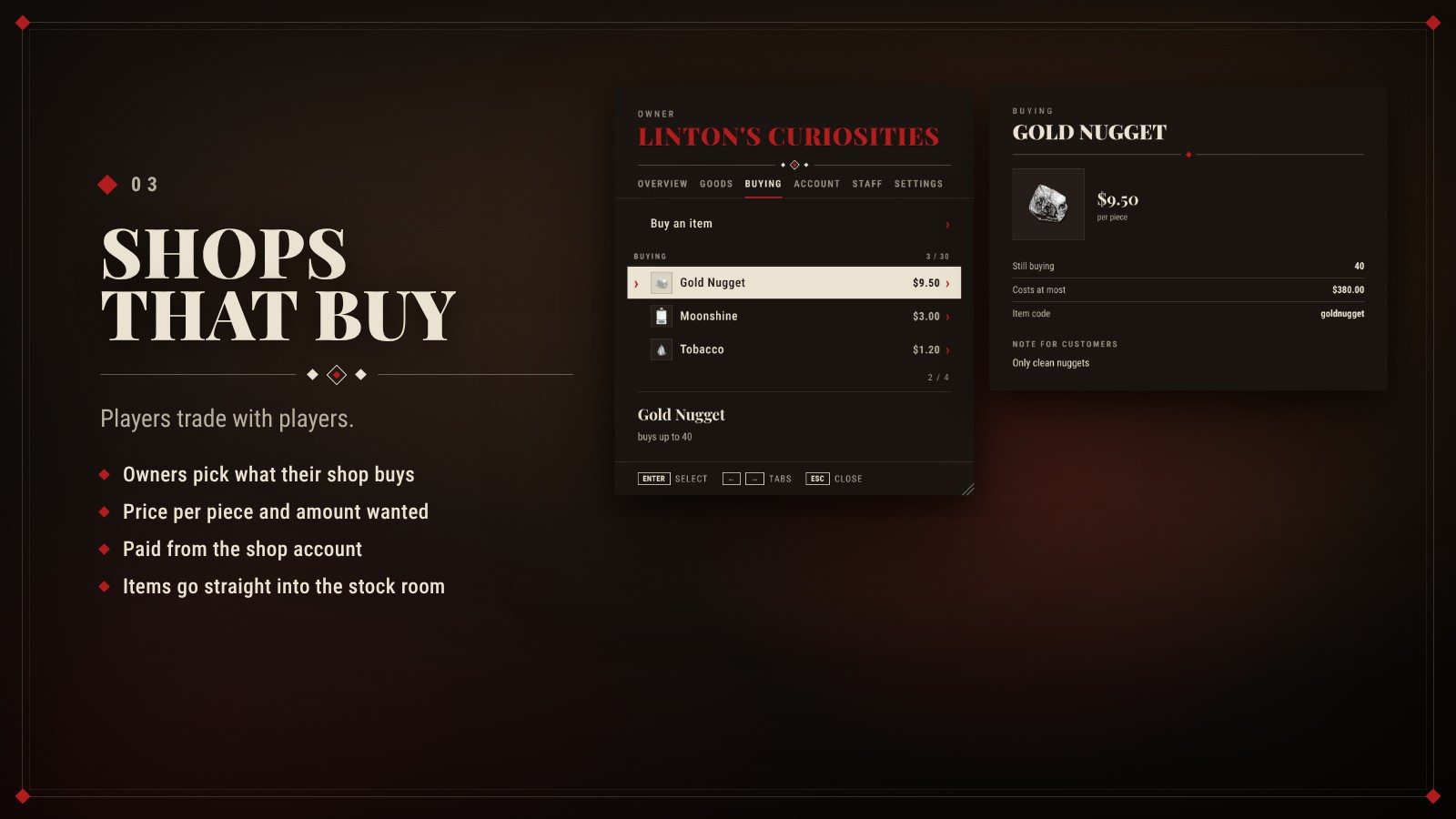
Shops that buy
- Buying list: owners pick which items their shop buys from customers, the price per piece and how many.
- Paid from the shop account: the money comes from the shop, the items go straight into the stock room.
- Safe limits: no sale when the account is empty, the stock room is full or the wanted amount is reached.
- Shop office: sales today and in 7 days, a 7-day chart, booking log and six rights per employee.
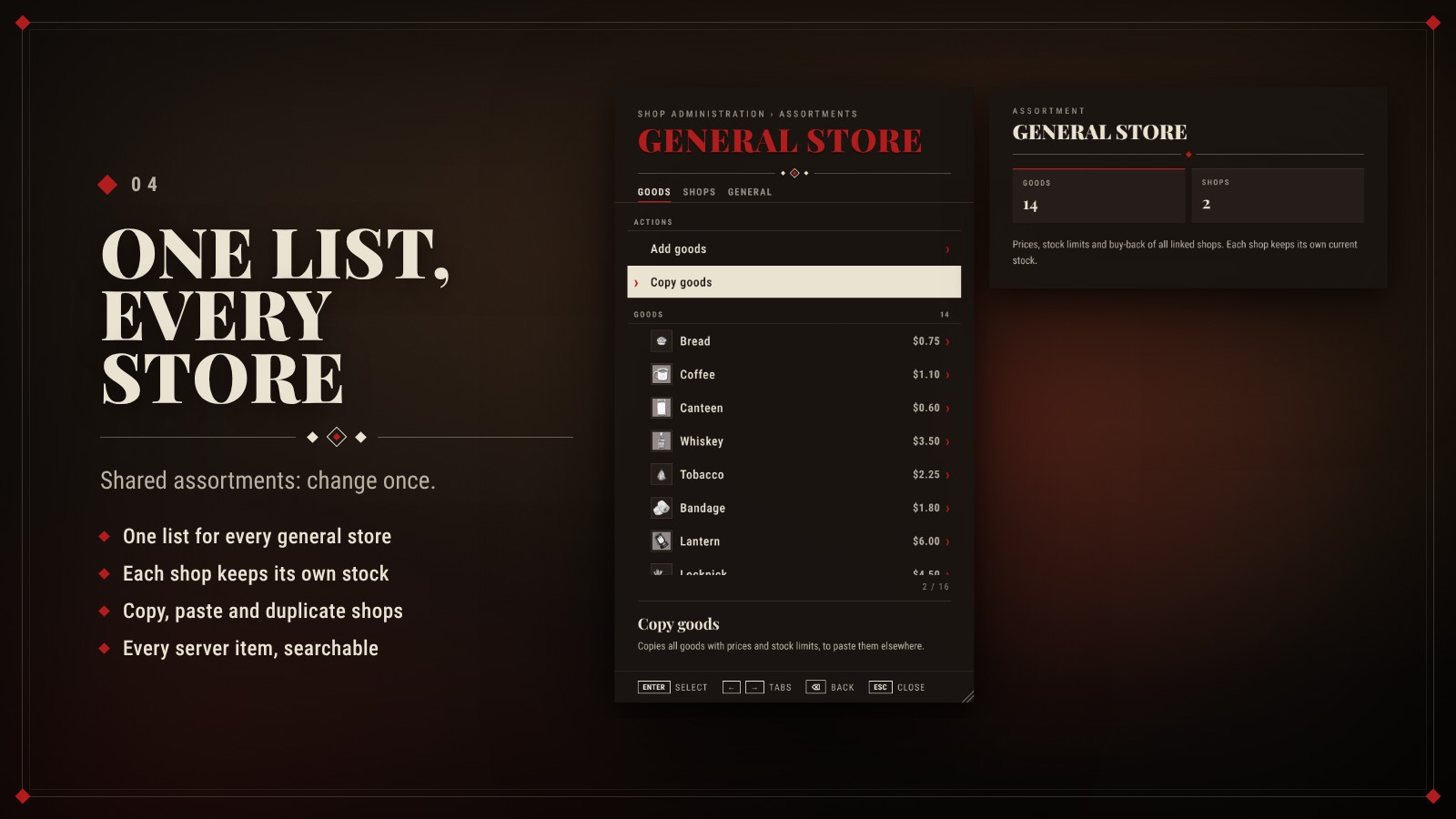
Assortments and admin
- Assortments: one list of goods for every general store. Change a price or add an item once and every linked shop follows. Each shop keeps its own stock.
- Copy and paste: take the goods of one shop or assortment and paste them into another, added or replaced.
- Duplicate: copy a whole shop with settings, shopkeeper and goods to where you stand.
- Item list: every item and weapon of your server, searchable and sorted by category. No typing of item names.
- /shopadmin: create shops where you stand, shopkeeper NPC, prop, map symbol, regions and price factors.
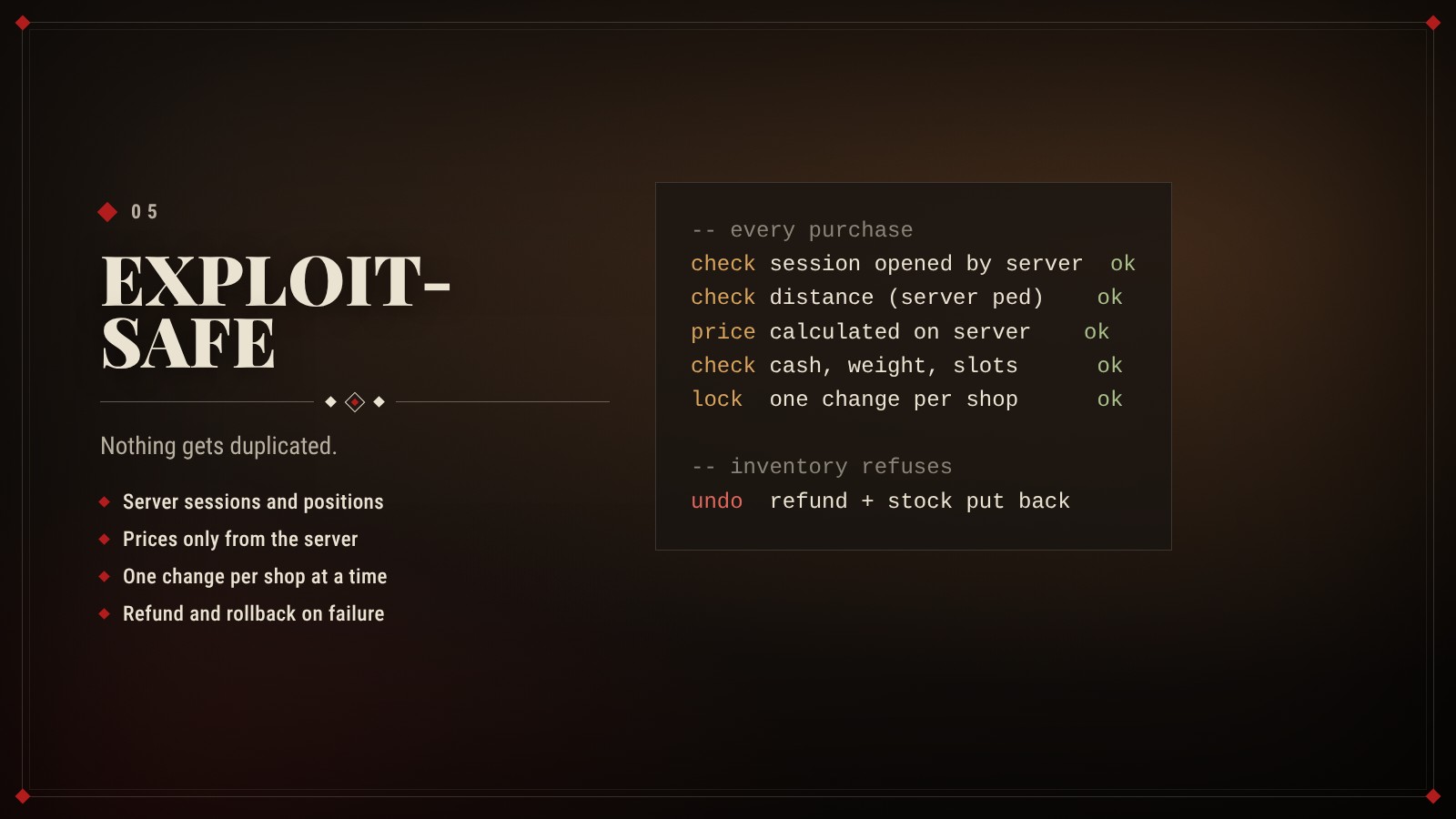
Exploit-safe
- Server sessions: a purchase only works in the shop the server opened for that player, at the right distance.
- Full checks: price, stock, cash, weight and slots are checked before anything moves.
- Locks: one change per shop at a time. Two players buying the last piece get one piece in total.
- Rollback: if the inventory refuses an item, the money is refunded and the stock is put back.
- Performance: 0.00 ms while idle.
Also included
- Prices: global, regional and per-shop multipliers, plus an optional sales tax for a society.
- Languages: English, German, French, Spanish, Italian, Portuguese (BR), Polish, Dutch.
- Interface: movable and resizable, admin panel and office split into tabs, size shared with all WLS resources.
- For developers: server exports for shops, prices and multipliers, plus a transaction event.
- Connects on its own: with WLS Society job shops pay into the society account, with WLS Banking that account is kept at the bank. Works without them too.
- Optional: works with WLS Target.
Requirements
- vorp_core
- vorp_inventory
- oxmysql
Good to know
- Asset Escrow: the resource is protected by Cfx.re Asset Escrow. After purchase it shows up in your Cfx.re Portal under Granted Assets.
- Open files: config, server config, language files and the framework bridge.
- Documentation: installation guide and README are included.
- Support: available on our Discord.
West Life Studios